Your product. A new perspective.

AI product photography
for your online store.

Turn your product photographs into a consistent, reviewed collection for your next store launch.

Start in Studio Watch the introduction

Create an account to save your work. AI generation uses credits; uploading does not.

One product. A new perspective.Actual BestImage demonstration
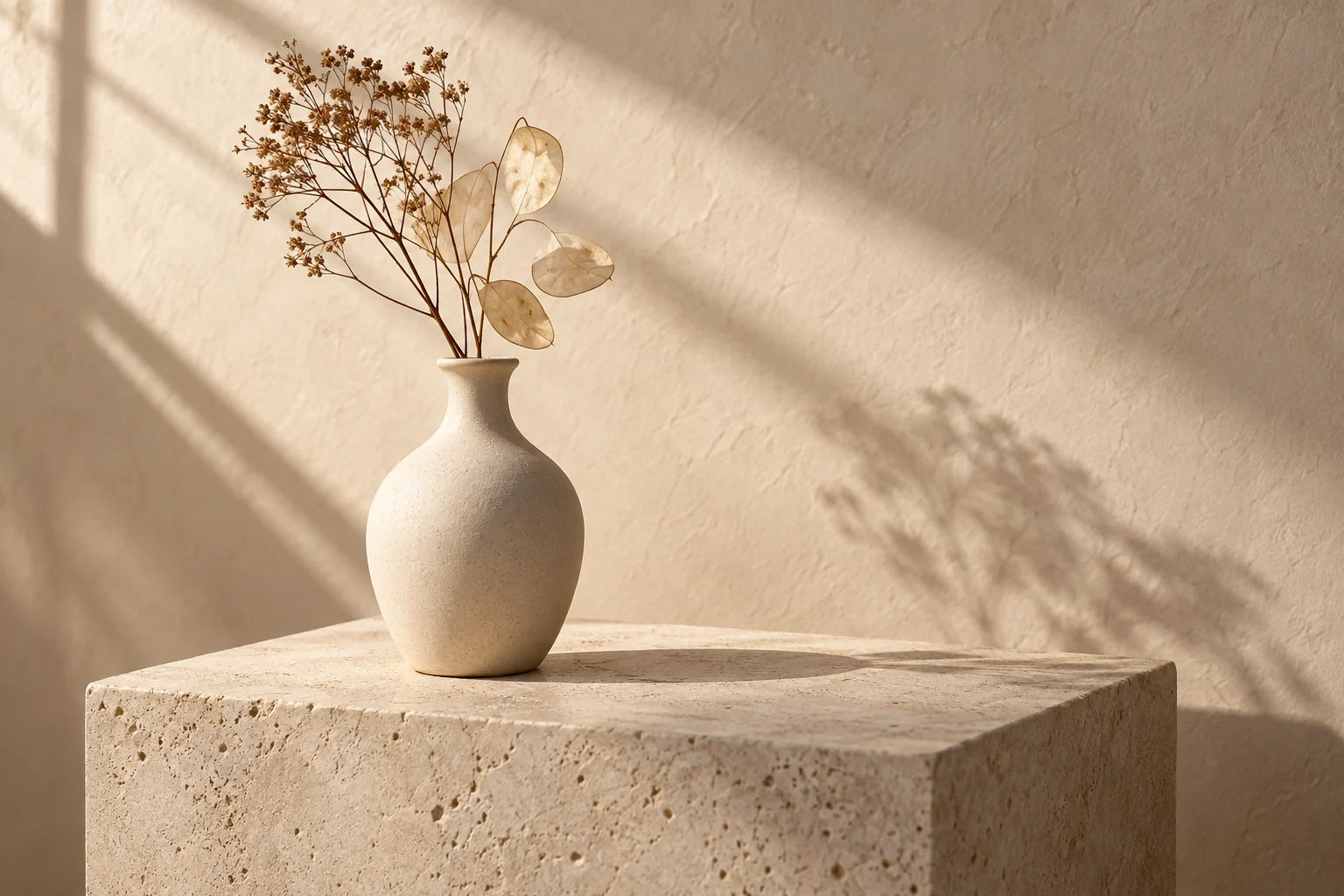
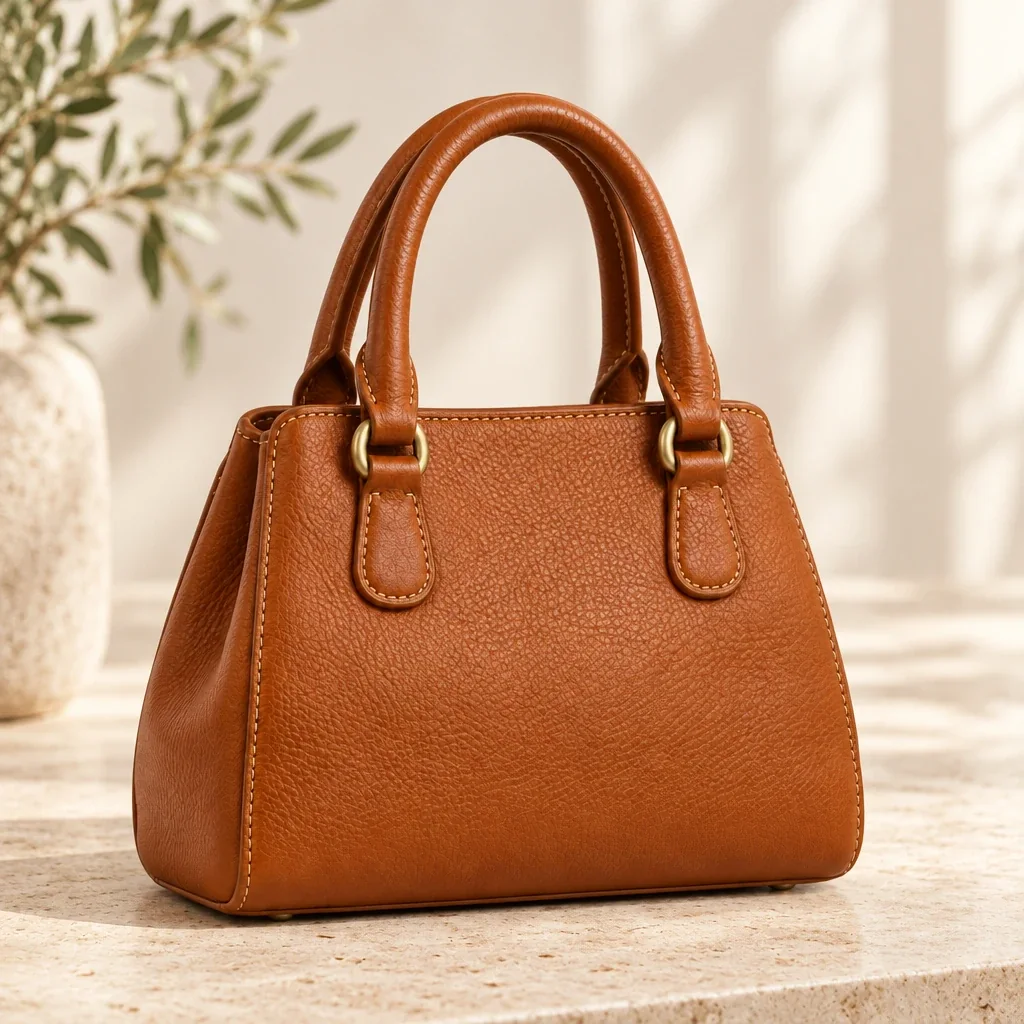
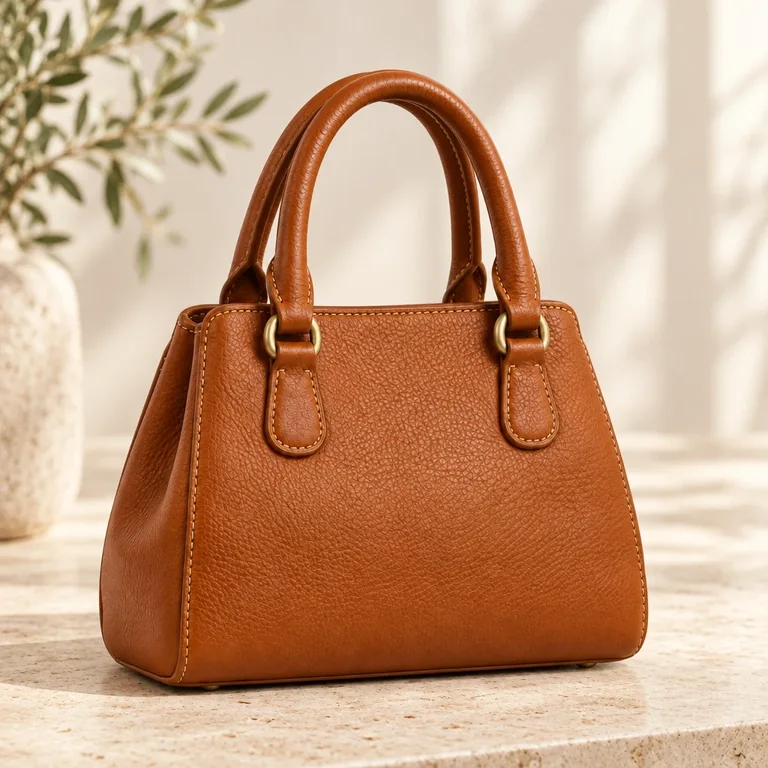
Actual BestImage result: cognac leather handbag on pale travertine in soft daylight
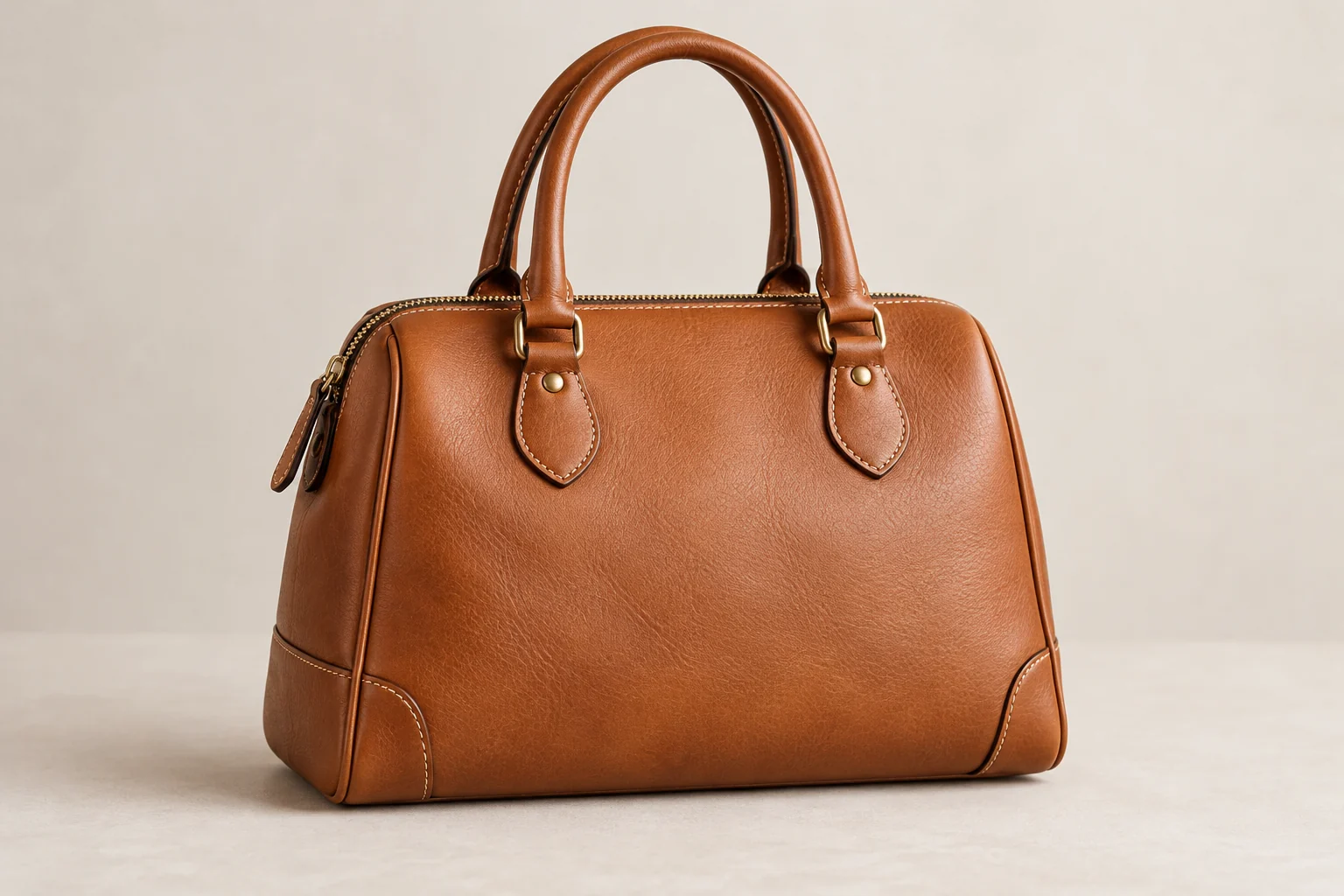
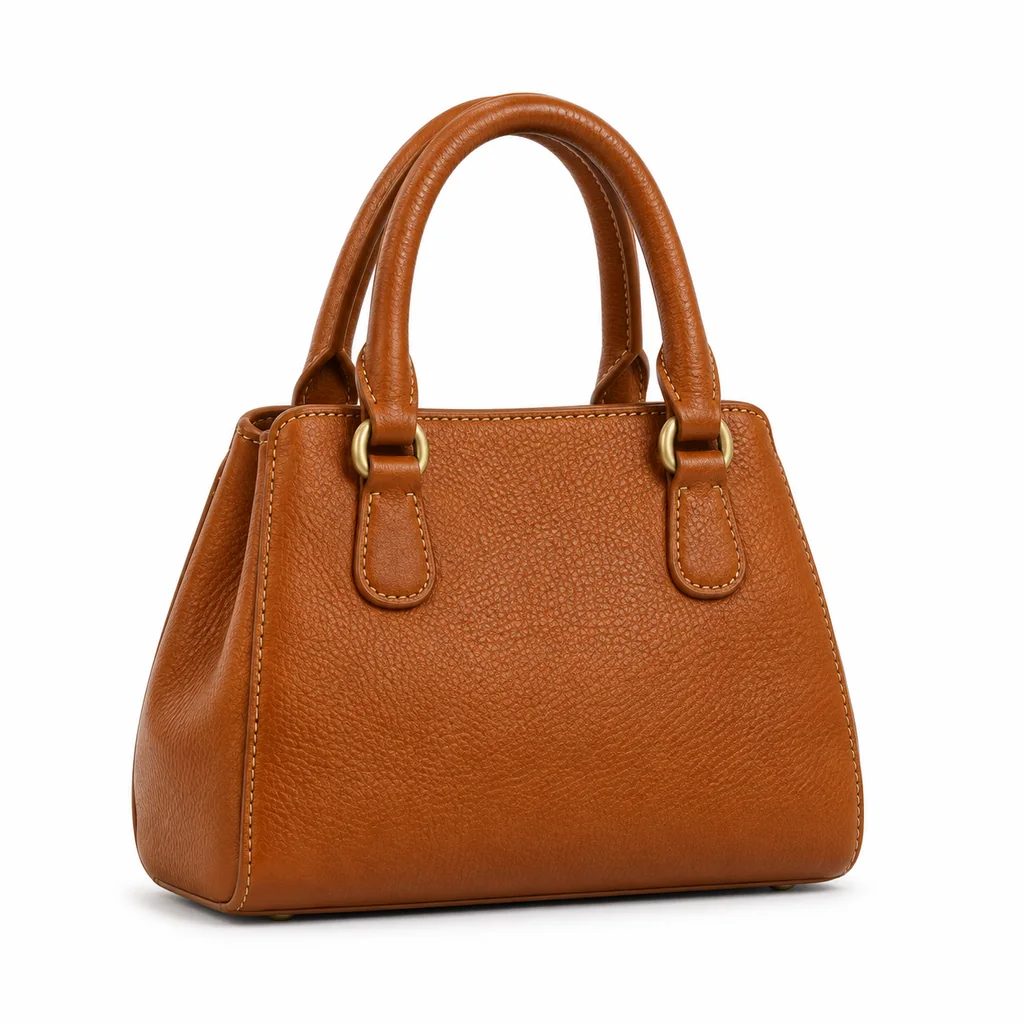
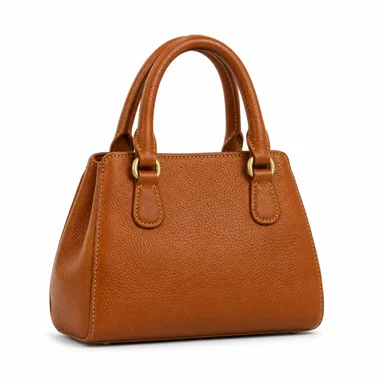
AI-created unbranded cognac leather handbag reference on white
AI-created referenceBestImage result
Drag or use the Compare slider.

AI-created reference · Actual BestImage output, 5 November 2026. Internal demonstration, not a physical-product accuracy test. How this example was made.

Create for your next launchStorefront·Marketplace·Social campaign

A new perspective, in motion

See where one product photo can take you.

Explore a different setting, refine your direction and check the details before preparing images for your store.

Create your next product story ↗

AI narration · AI-created product reference · Actual saved BestImage results. This is an internal demonstration, not a physical-product accuracy test.

Read the video transcript

One product. A whole new perspective.

Choose a setting that suits your brand. Explore natural sunlight or dramatic luxury, then refine your creative direction.

Compare your result with the original. Check the product details before downloading images for your store and ads.

Ready for your next product story? Create your studio account at BestImage.com.

Made through BestImage Studio · November 2026

The reference. The settings. The result.

Three internal demonstrations generated through BestImage, each using one credit. The unbranded reference objects were created with AI for these examples. Read the settings and review observations below. About these demonstrations.

Actual BestImage demonstration result: unbranded cognac leather handbag in Natural light
BestImage result
AI-created reference: unbranded cognac leather handbag on white

AI-created referenceUploaded into Studio before generation.

A daylight setting for leather goods

Scene
Natural light
Format
Square · 1:1
Light
Soft daylight · upper right
Treatment
Creative edit · 1 credit
Settings & review notes

Generated 5 November 2026. Soft shadows, minimal styling, subtle atmosphere.

Daylight notes requested pale ivory travertine, a warm cream background, soft window shadows and consistent handbag framing. No saved Brand DNA was applied.

The warm leather, handles and brass hardware remain recognisable in a bright setting with botanical detail. Compare stitching, texture and proportions: creative generation can alter details.

Start with this scene ↗
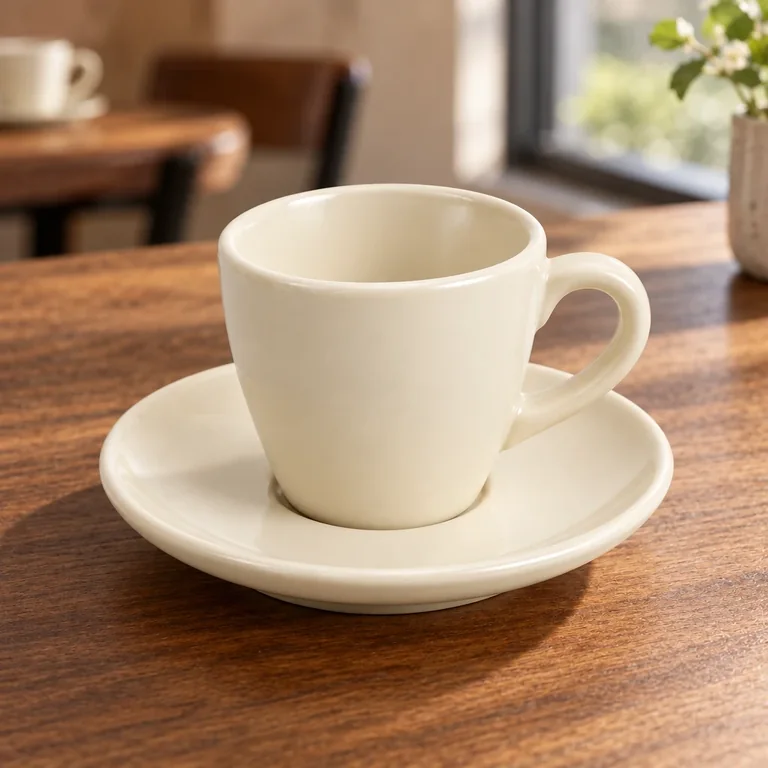
Actual BestImage demonstration result: ivory cup and saucer in Café Lifestyle
BestImage result
AI-created reference: ivory cup and saucer on white

AI-created referenceUploaded into Studio before generation.

A café setting for ceramics

Scene
Café Lifestyle
Format
Square · 1:1
Light
Soft daylight · upper right
Treatment
Creative edit · 1 credit
Settings & review notes

Generated 3 November 2026. Soft shadows, minimal styling, subtle atmosphere.

No saved Brand DNA, added props or creative notes were applied.

The café setting adds context. Inspect the rim, handle and saucer: creative generation can redraw their geometry.

Start with this scene ↗
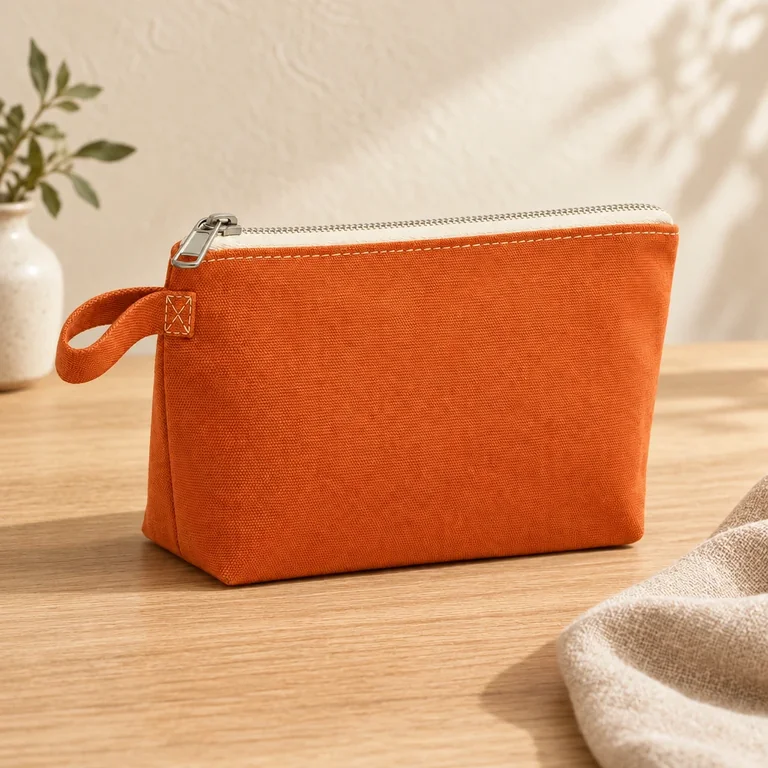
Actual BestImage demonstration result: terracotta canvas pouch in Soft & organic
BestImage result
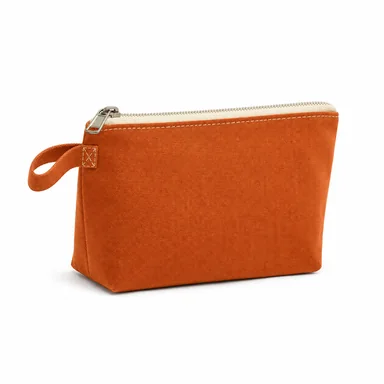
AI-created reference: terracotta canvas pouch on white

AI-created referenceUploaded into Studio before generation.

A softer setting for textiles

Scene
Soft & organic
Format
Square · 1:1
Light
Soft daylight · upper right
Treatment
Creative edit · 1 credit
Settings & review notes

Generated 3 November 2026. Soft shadows, minimal styling, subtle atmosphere.

No saved Brand DNA, added props or creative notes were applied.

Canvas texture and warm colour guide the result. Stitching, zipper and loop details still need comparison.

Start with this scene ↗

A workflow for your next collection

Keep your direction, image set and review together.

Use the existing Studio tools to carry a considered direction through the products in your collection.

01 / Reusable direction

Start the next product with a saved brief.

Brand DNA stores your palette, scene and lighting defaults. Reuse a checked direction, then compare each result for framing and colour. AI scenes can vary between products.

Learn how to reuse a direction
02 / A planned image set

Choose the views your listing needs.

Use Plan my image set to track an overall view, genuine detail photos and lifestyle scenes. Campaign sets create separate catalog, lifestyle and social images, with the total shown before generation.

Plan a small collection
03 / Reviewed delivery

Check the details before preparing your files.

Compare the reference and result, record your product checks and approve each image individually. Prepare your selected views for delivery. Inspect any locally cropped or refined copy separately.

Follow the product review checklist

Collection tools are available after sign-in. Planning, saved direction and local finishing use no generation credits; new AI images use the credits shown in Studio.

Practical answers for your next product image.

Explore Insights ↗